Do You Need a 5A E-Marker Cable for 100W USB-C?
A 100W USB-C charger reaches its top rate only when the cable is rated for 5A and the laptop requests a 100W profile. This guide explains what a seller listing should state, how to check a cable you already own, and when a 65W setup is the better fit.
Published Updated
When a 100W charger still charges slowly
A 14-inch laptop, a 100W USB-C charger, and a USB-C cable already on hand can produce a charge rate below the charger's rating. USB Power Delivery leaves the final profile to a negotiation among the charger, cable, and laptop. A charger rated 100W is a ceiling; it does not force 100W into the device.
One charger guide places 100W charging in the 14- and 15-inch laptop class, while another notes that 65W often covers a phone, tablet, and thin laptop. If your laptop is in the 100W class, check the cable's current rating: a 100W request needs a cable rated for 5A.[1][2][3]
What 100W means for the cable
Under USB Power Delivery 3.0, 100W is 20 volts at 5 amps. The guides consulted say a 100W link needs a cable rated for 5A and fitted with an E-marker chip. The E-marker communicates the cable's capability to the charger, so the charger has a rating to work with during negotiation. A cable sold as 100W without a 5A or E-marker detail is a listing to question.
Above 100W, the standard changes. PD 3.1 Extended Power Range adds 28V, 36V, and 48V profiles and raises the ceiling to 240W. A 240W-rated EPR cable is the matching part. A 100W cable may fit but cannot carry the higher EPR profile, so a 140W charger paired with it can settle at 100W. Match the cable rating to the profile you intend to use.[1][5][6][7][8][9]
Checks to run before you buy
Read the seller's documentation for the rated current and E-marker detail. A title that says only fast charging or PD100W leaves those points unstated. If the page has a specification table, compare the rated current and PD version there. Ask the seller for the cable's rated current and whether the E-marker is present when the listing is vague.
Check the charger and laptop next. A 5A cable does not turn a 65W charger into a 100W supply. If the laptop's own adapter is 65W, start with that class unless the laptop's documentation says it accepts a higher USB-C profile. If the adapter is 100W, confirm the laptop requests a 100W profile; the charger still supplies only what the device asks for.
Replace damaged connectors or worn insulation, and buy from a supplier you can trace. If the cable came with a device, the device maker's specification page is the place to confirm its rating.[1][4][5][6]
Use your current cable, wait, or change class
Use the cable you already own when its documentation lists 5A and 100W, the plugs are undamaged, and you can confirm the E-marker with the seller or the original product page. One charger guide says existing 100W-rated cables can still suit their specified applications. There is no need to replace a sound cable because a newer cable standard exists.
Wait for answers when the listing gives a wattage but not the current rating or E-marker detail. A vague answer leaves the 100W claim unresolved. If your laptop is a 140W EPR model, skip the 100W cable search and look for a 240W EPR cable. A 100W cable is the wrong class for that job.
A 65W setup can be the practical choice for a thin ultrabook used for office work, a tablet, and a phone. The guides consulted describe the 65W class as smaller and often more affordable. A 5A cable does not add power to a 65W charger; it only avoids a cable bottleneck when the rest of the link supports the higher profile.[1][3][4][8][9]
Three cable listings and the detail each leaves open
The three listings below are seller records, not test results. Each title states a different set of cable traits. Use the card to see the specific use case and the detail that remains open, then confirm that detail with the seller before you rely on full 100W charging.Shop now: UGREEN PD100W USB Type C To USB C Cable for iPhone Duo 18ProShop now: Baseus USB Type C To USB C Cable For iPhone 18 17 100W/5A PD
What the evidence covers
This article relies on charger-guide excerpts, one retrieved charger-guide article, and merchant listing titles. The excerpts support the general 20V/5A and E-marker advice for 100W and the 240W EPR requirement above 100W. They are not full manuals, independent bench tests, or a compatibility list for a named laptop. Merchant titles are seller claims, not measured performance. A specific charger, cable, and laptop combination still needs confirmation from the device maker and the seller's documentation.[1][6][8]
AliExpress
Related products
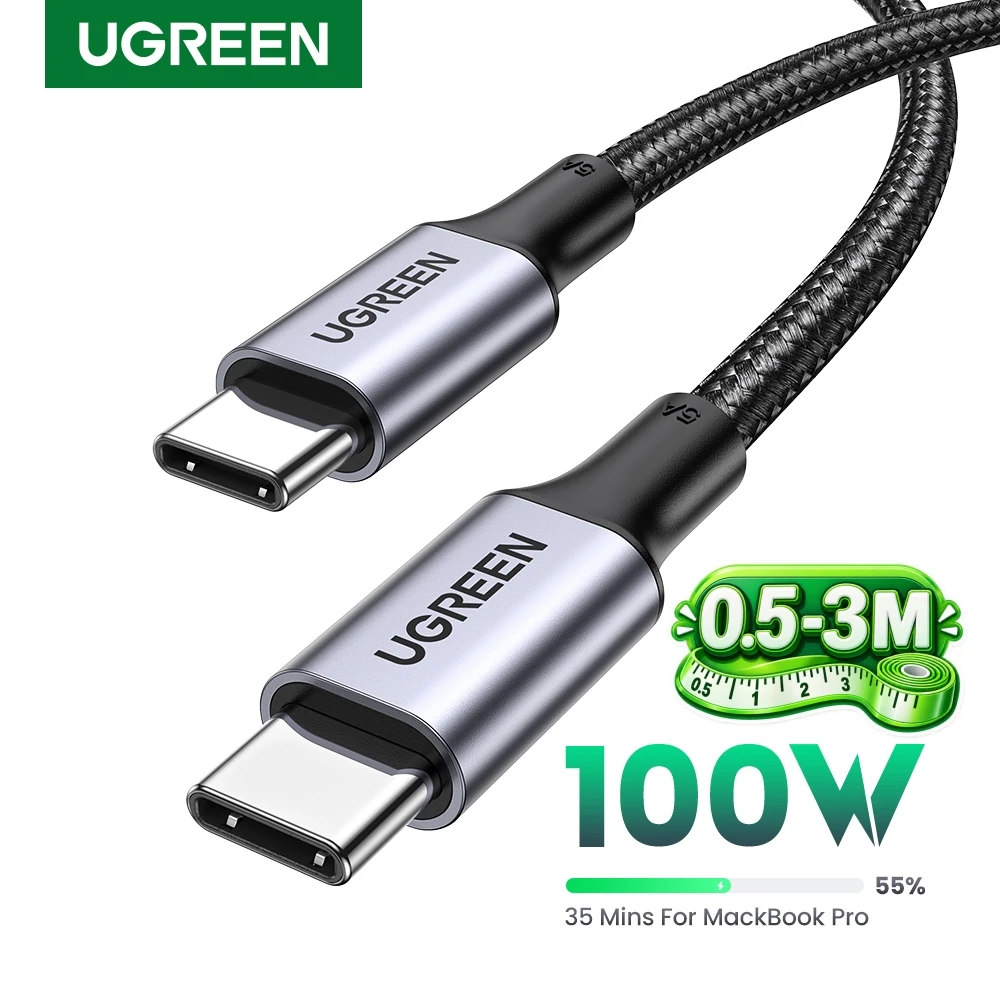
UGREEN PD100W USB Type C To USB C Cable for iPhone Duo 18Pro
If a listing that explicitly names the E-Marker chip is your starting point, this Ugreen cable is the closest match here. The merchant title says PD100W, 5A, and E-Marker Chip, so it gives you the exact terms to confirm on the product page.
The title is a seller claim. It does not document 240W EPR support or prove the cable will negotiate 100W with your laptop.
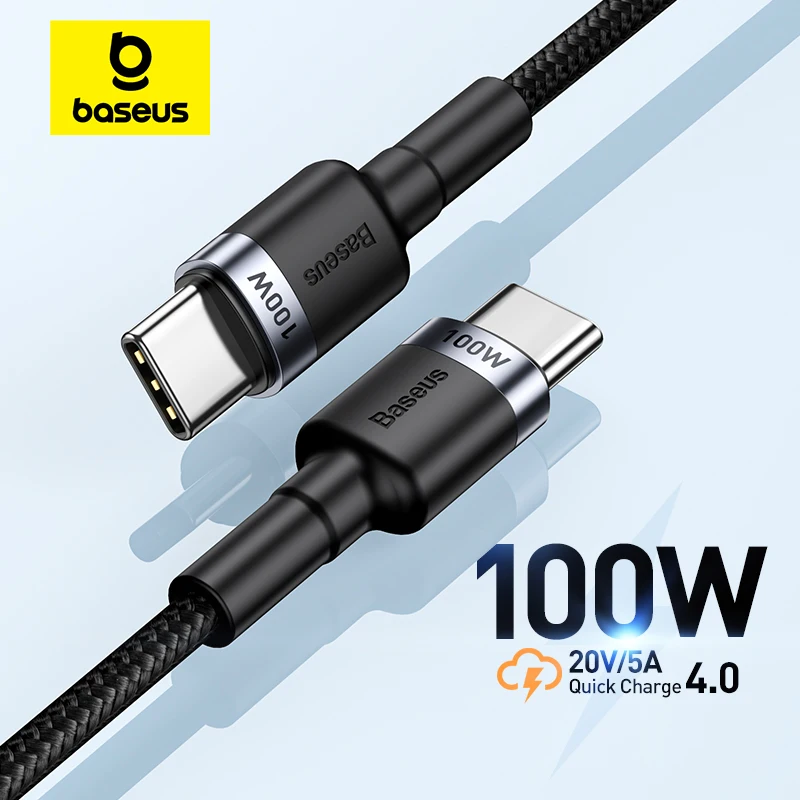
Baseus USB Type C To USB C Cable For iPhone 18 17 100W/5A PD
For a USB-C laptop and phone cable where the listing's 100W/5A wording is the part you need, the Baseus cable is a candidate. The merchant title names 100W/5A PD fast charging, which gives you a current rating to verify.
The title does not mention an E-Marker chip. Ask the seller to confirm the chip and rated current before treating it as a full 100W cable.
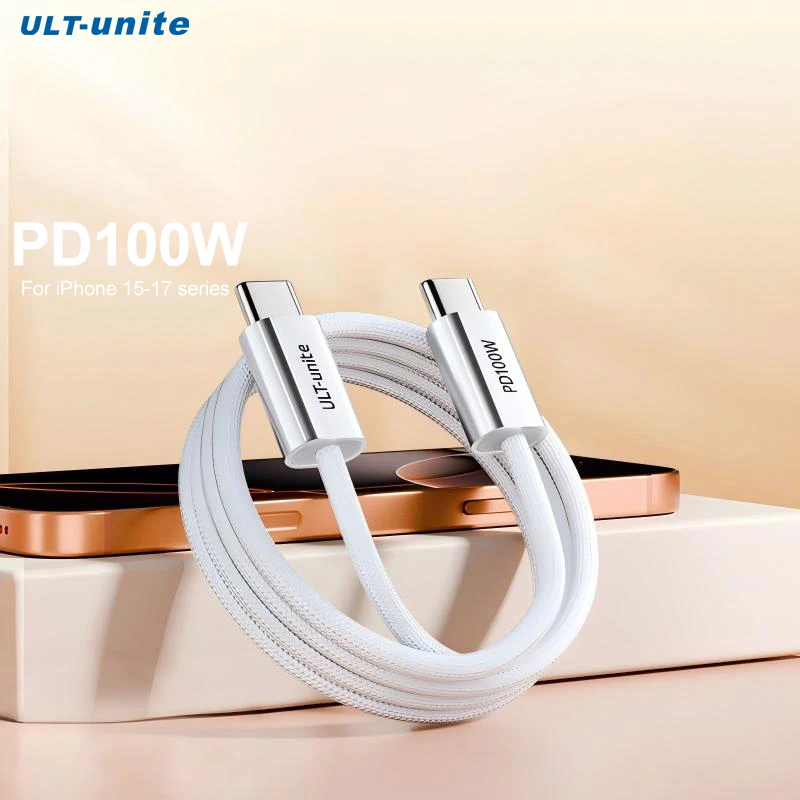
PD100W Type C Charging Cable 5A Fast Charging Cable Nylon Br
If a nylon-braided jacket is the attribute you prefer, this listing names one. The seller also names PD100W and 5A and lists phones and laptops, so the 5A claim is the detail to check.
The title does not name an E-Marker chip or a PD version. That leaves the 100W claim incomplete for a 20V/5A link; confirm both with the seller.
Questions, answered
Can a 100W charger damage a phone or a lower-wattage laptop?
The charger acts as a ceiling in USB Power Delivery. Each device requests its own profile, so a phone plugged into a 100W charger draws its rated power, and a lower-wattage laptop requests a smaller profile. One charger guide describes the charger as a ceiling, never a forced output. That is general behavior, not a guarantee for every charger or device; check the maker's documentation if the device is unusual.[1]
What should I look for on a cable I already own?
The E-marker is a chip inside the cable. Check the original product page or ask the seller for the rated current and chip detail. If neither source confirms 5A, treat the cable's 100W capability as unconfirmed.[4][6]
Is a 240W cable necessary for a 100W laptop?
For a 100W link, no. A 5A cable with an E-marker is the match described for 100W. A 240W EPR cable is for PD 3.1 systems above 100W. If you pair a 100W cable with a 140W charger, the link can settle at 100W, so match the cable class to the profile you need.[1][8][9]