Check a Gaming Laptop Before You Upgrade
A game’s title or popularity cannot tell you whether your laptop will run it well. Start with the exact release’s published requirements, compare them with your machine’s full configuration, then decide whether storage cleanup, a supported upgrade, repair, or replacement addresses the actual shortfall.
Published Updated
Begin with the game you plan to play
Write down the exact game release, platform, and settings you want to use. Find the publisher’s requirements for that version, then compare them with the full specifications of your laptop. Requirements for one platform or release may not answer questions about another.
Grand Theft Auto VI appears in the supplied research as a search-trend observation. That tells you nothing about the game’s hardware requirements, performance on a particular laptop, or how many people are buying equipment. Treat it as a reason to check the publisher’s information, not as a shopping specification.[1]
Compare the exact components and configuration
For graphics, identify the laptop’s exact GPU model and its video memory. Compare those details with the game’s stated requirements; a memory figure or a broad label such as “gaming laptop” cannot predict performance on its own. Where reliable results are available for the same game, compare tests using settings close to yours. Check the exact laptop configuration, since similarly named models can differ.
For system memory and the CPU, note the installed configuration and exact processor model. Read the manufacturer’s documentation to see whether memory can be upgraded and which configurations the laptop supports. A processor family name alone does not establish how a particular machine will perform.
For storage, check how much usable space remains and account for the game, updates, the operating system, and your other files. Microsoft says low storage can contribute to slower performance or trouble installing Windows updates. That supports checking available space; it does not establish that a new drive will improve game frame rates.
For ports and cooling, use the laptop maker’s specifications and service information as questions to investigate. Confirm that the actual ports match your intended connections. If you can find reliable testing under sustained use, consider it alongside the exact configuration. A specification sheet alone cannot establish how a particular laptop behaves during a long gaming session.[2]
Match each upgrade to a confirmed need
An SSD addresses storage capacity when the laptop supports that drive. It does not add video memory or change the processor. More system memory is relevant only if your workload calls for it and the laptop accepts an upgrade. Thermal material belongs to a specific repair; buying a pad by itself does not show that the laptop needs servicing.
Before ordering an internal drive, check the manufacturer’s documentation for the exact model. Confirm the supported drive type, connection, physical space, and capacity limits. A general listing cannot answer those model-specific questions. If the documentation is unclear, pause and consult a reliable service reference.
For thermal work, first identify the component being serviced and the material, dimensions, and procedure specified for that repair. If you cannot verify those details, a general-purpose pad is not a substitute for diagnosis.
Choose cleanup, a supported upgrade, or replacement
When storage is nearly full, check what is taking up space and whether you can safely remove files you no longer need. Windows includes tools for identifying and clearing some unnecessary files. Freeing space can address a space shortage, but it does not increase the drive’s total capacity.
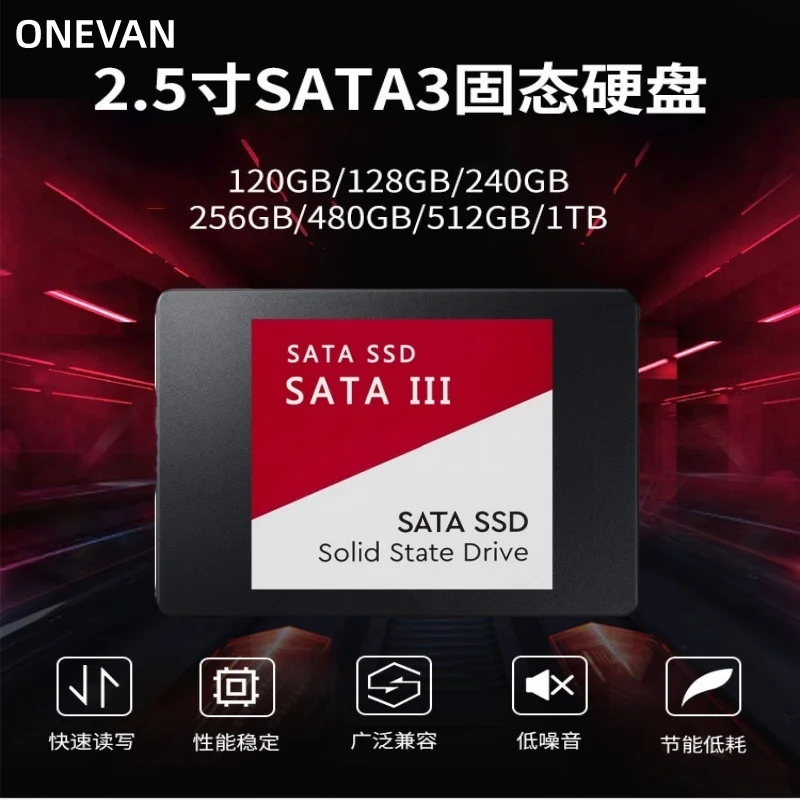
Consider an internal SSD only if storage is the actual constraint and the laptop’s documentation confirms compatibility. The selected listing describes a 2.5-inch SATA3 drive with several capacity choices, but that does not establish that your laptop accepts it. If the limiting factor is a GPU, CPU, or memory configuration that cannot be changed, an SSD is unlikely to address it.
Compare replacement laptops if a core requirement is unmet and no supported upgrade resolves it. Judge the complete configuration against the game’s requirements and your intended settings. If your current laptop meets your needs and has enough usable storage, keeping it avoids spending money on a problem you do not have.[2]
Examples for a verified storage or repair need
For a laptop whose documentation confirms support for a 2.5-inch SATA3 drive, the selected internal SSD listing gives 120GB, 240GB, and 500GB capacity options. It may suit a storage replacement or addition when one of those capacities fits your needs. It is a drive, not a laptop or graphics upgrade.
For a repair procedure that calls for a soft gap pad of the listed dimensions, one selected sheet measures 100x100mm and has thickness options from 0.5mm to 2.5mm. Its listing names GPU, CPU, and laptop applications. Match the material and thickness to the repair instructions; those listed details do not confirm fit in a particular device.
Another selected listing describes a phase-change thermal sheet and names laptop, desktop, GPU, CPU, and SSD applications. It may be relevant when the service procedure calls for that kind of material. The listing does not establish compatibility or a temperature improvement for your computer.Shop now: Original New 2.5 Inch SATA3 SSD Internal Solid State Drive fShop now: 22W/mk 100x100mm Soft Thermal Pad Sheets 0.5mm 1.0mm 1.5mm 2
What these details can and cannot establish
The game observation is a trend entry, not a hardware requirement or measure of purchases. Microsoft’s excerpt supports the storage-space guidance only. Product details here come from merchant listing titles: they describe formats, capacity choices, dimensions, thicknesses, and named applications, but do not verify compatibility, durability, authenticity, or performance. If your laptop works for your needs, or you cannot confirm that a part fits, buying nothing is the wiser choice until you have better information.[1][2]
AliExpress
Related products
Original New 2.5 Inch SATA3 SSD Internal Solid State Drive f
The listing describes a 2.5-inch SATA3 internal SSD with 120GB, 240GB, and 500GB choices, making it a possible storage replacement or addition when your laptop documentation confirms support.
It is an internal drive, not a complete computer or graphics upgrade. The listing does not establish fit, speed, or improved game performance in your machine.

22W/mk 100x100mm Soft Thermal Pad Sheets 0.5mm 1.0mm 1.5mm 2
The listing describes a 100x100mm soft thermal pad sheet with five thickness choices and names GPU, CPU, and laptop applications. It may suit a repair whose instructions specify matching material and dimensions.
Confirm the required material, thickness, dimensions, and procedure for your repair. The listing does not establish compatibility or improved temperatures in a particular device.
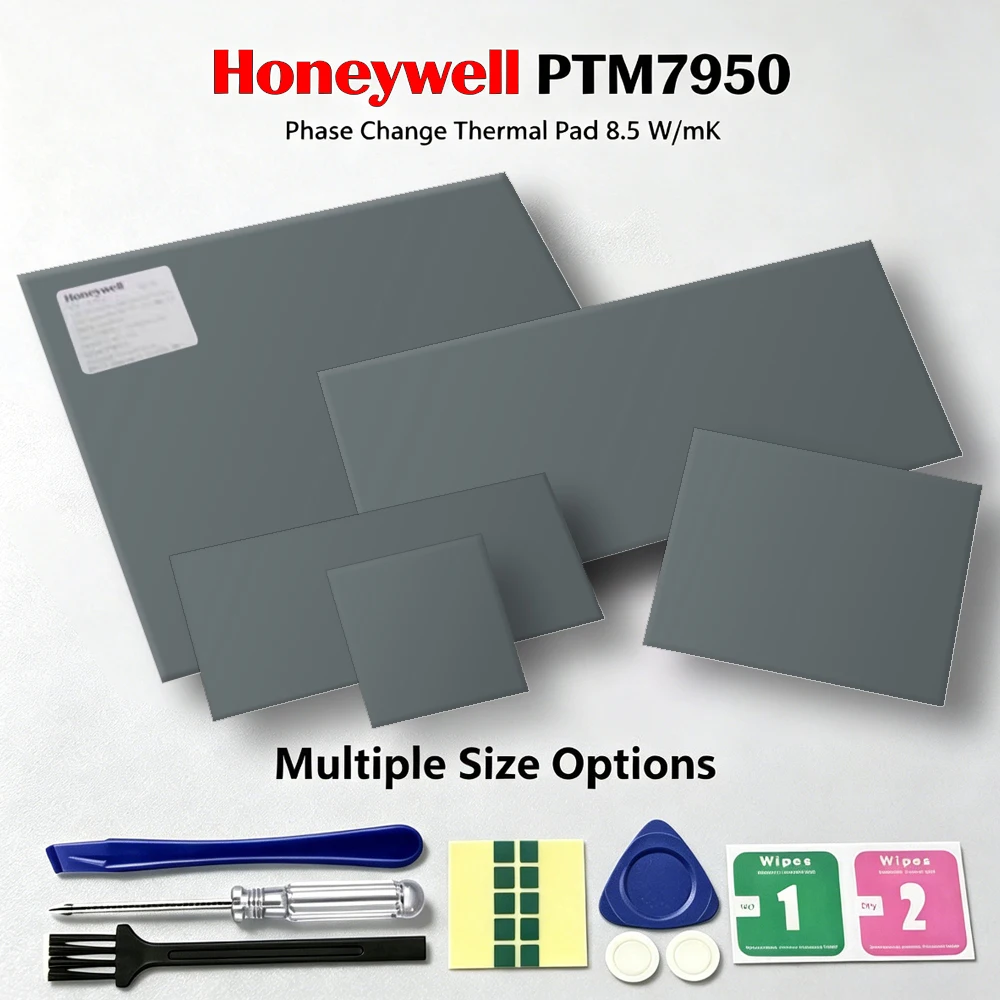
Honeywell PTM7950 8.5W/mK Phase Change Thermal Pad Heat Diss
The listing describes a phase-change thermal sheet and names laptop, desktop, GPU, CPU, and SSD applications. It may suit a confirmed service procedure that calls for this material.
The listing does not confirm fit, installation outcome, durability, or improved performance for a particular computer.
Questions, answered
Will a larger SSD make games run faster?
Do not count on that. Microsoft’s guidance connects low storage with possible slower performance or trouble installing Windows updates; it does not say that a new drive improves game frame rates. First check whether low available space is actually causing a problem.[2]
Can a product listing tell me whether an SSD fits my laptop?
No. The selected listing identifies a 2.5-inch SATA3 drive and capacity choices, but only documentation for your exact laptop can confirm supported hardware and installation requirements. If you cannot verify support, wait before ordering.
Should I buy a thermal pad as a general laptop upgrade?
Only when a specific repair calls for that material and size. The selected listings name intended applications, but they do not confirm fit or improved temperatures in a particular laptop. Follow the service instructions for your model before choosing a pad.